Logo & branding
Create a welcome that feels unmistakably yours.
Integration guide


Create thoughtful, personalized welcome letters that help guests feel expected, welcomed, and genuinely looked after from the moment they arrive.
Each property includes its first three bookings, with no credit card required.
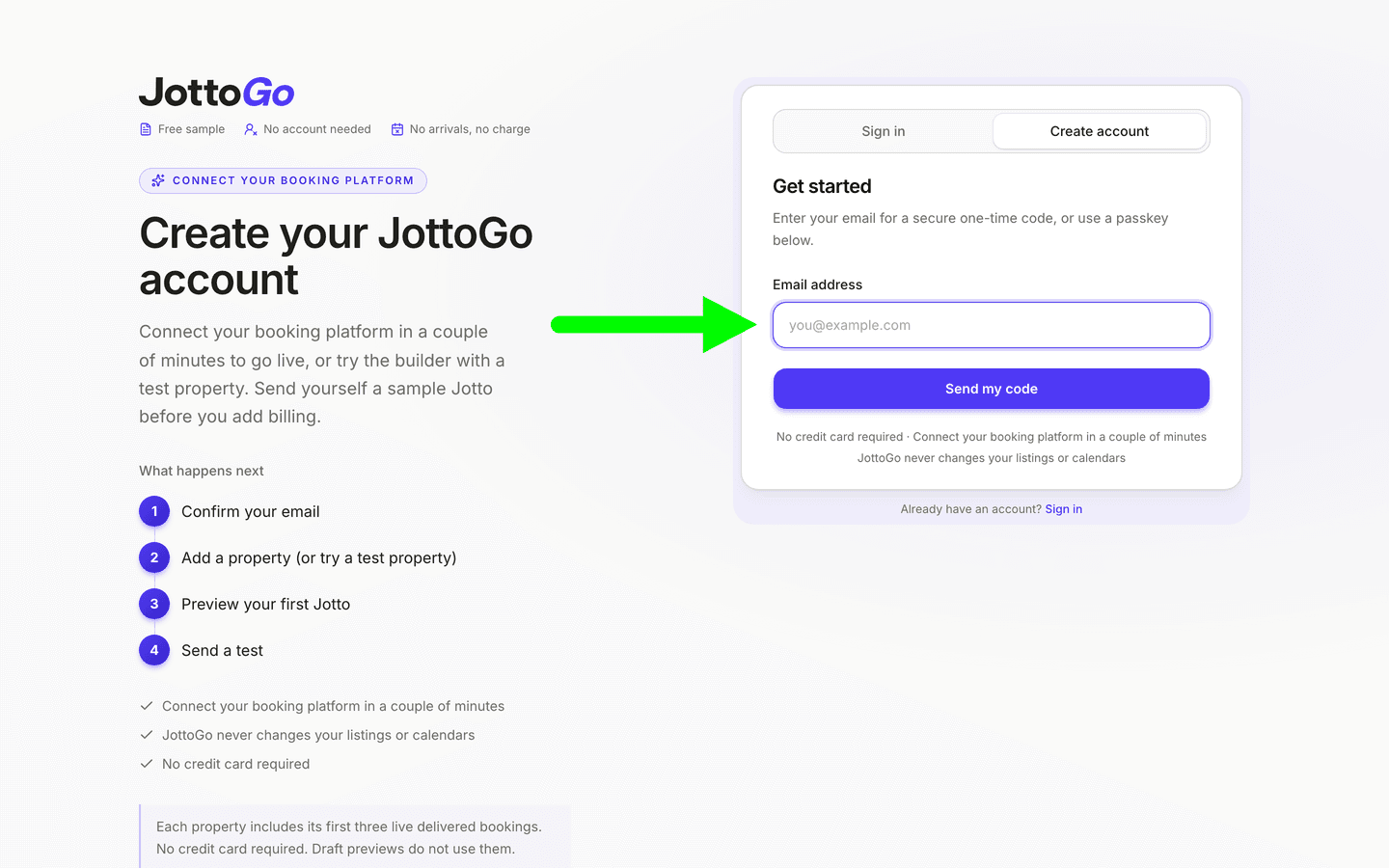
On your dashboard, tap + Add property in the Properties section. If your portfolio is empty, use the dashed Add property tile in the empty state. (Alternatively: Dashboard → Properties → Connections.)
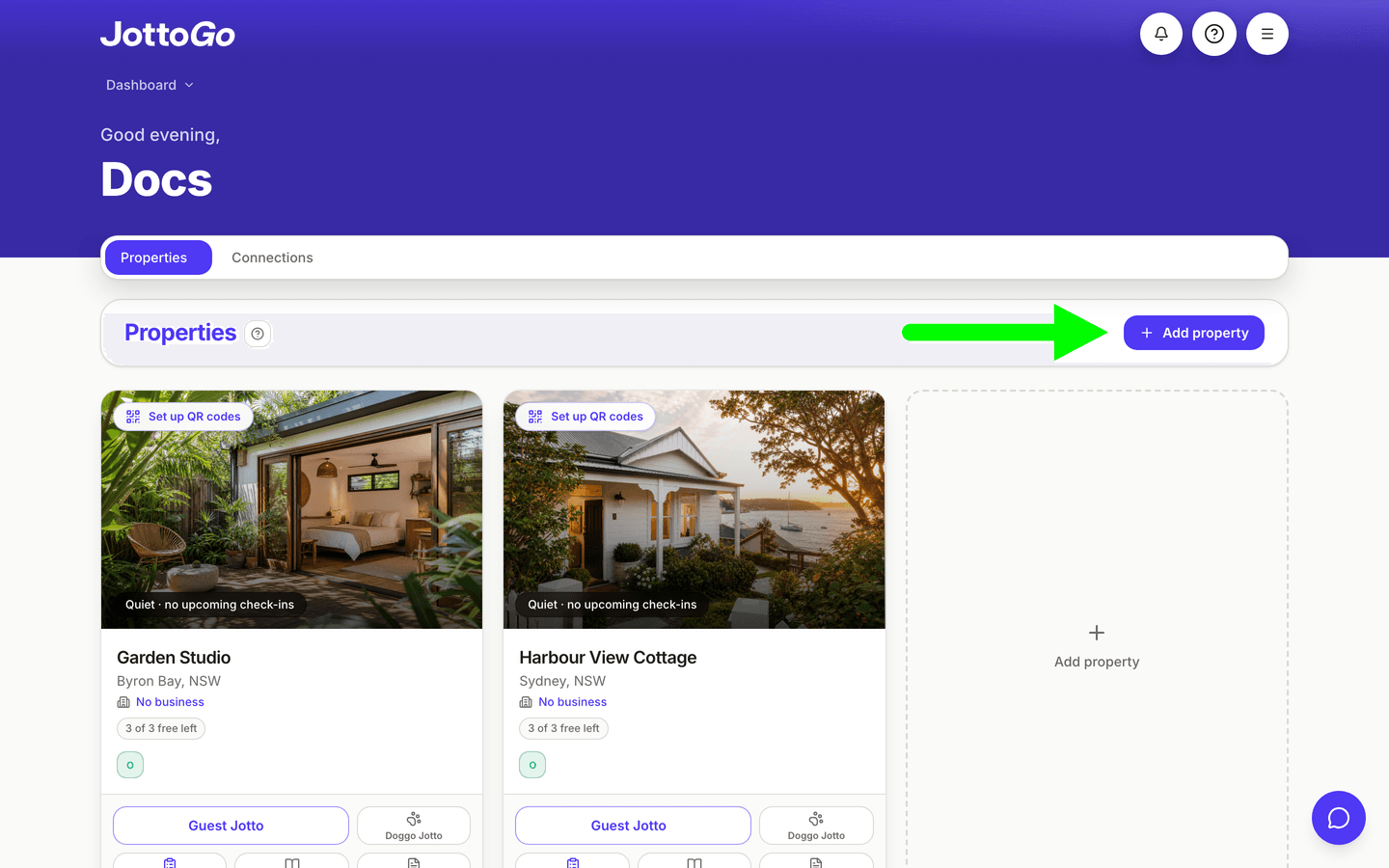
Tap the OwnerRez logo.
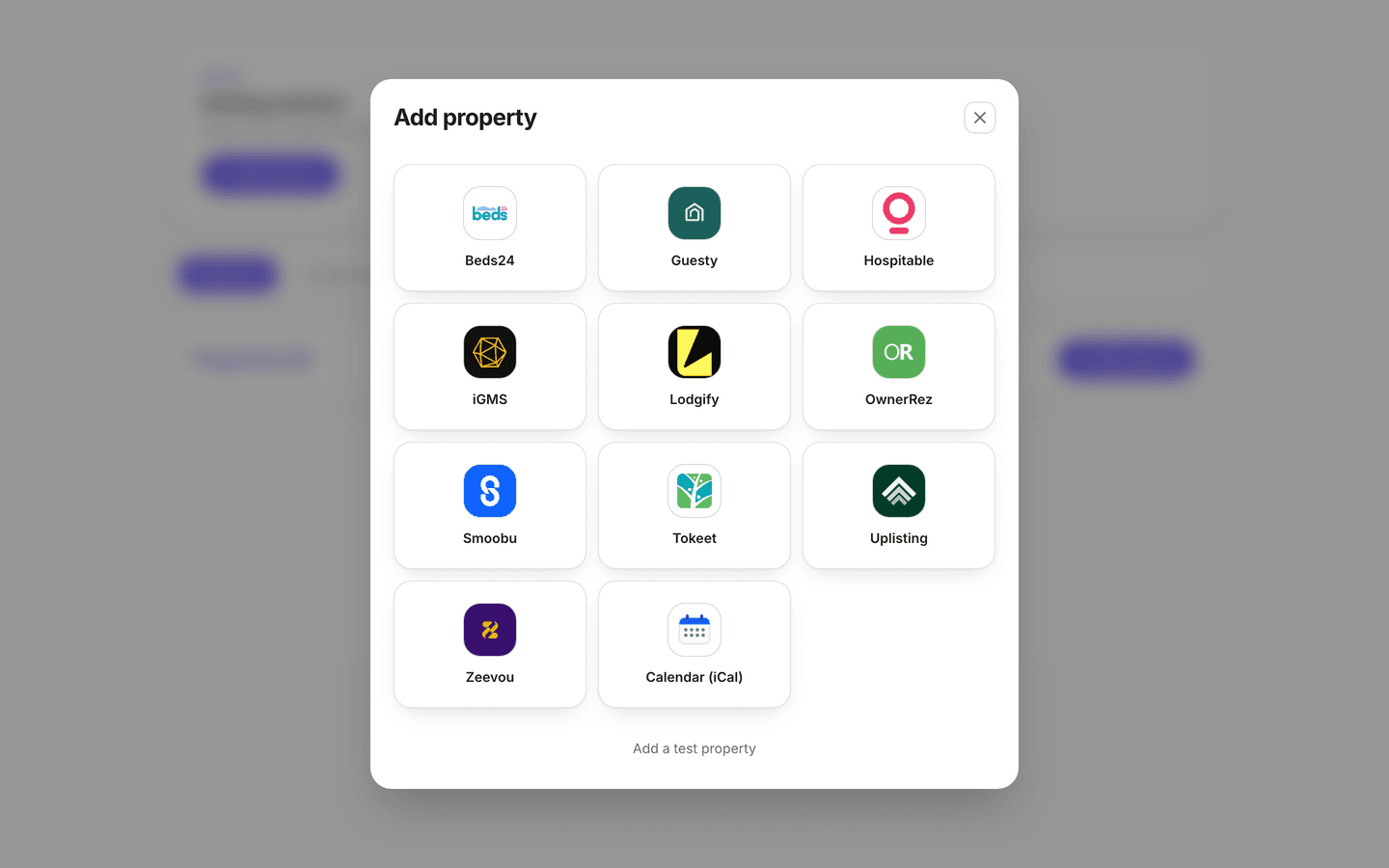
OwnerRez opens in your browser. Sign in with your OwnerRez account if you are not already logged in.
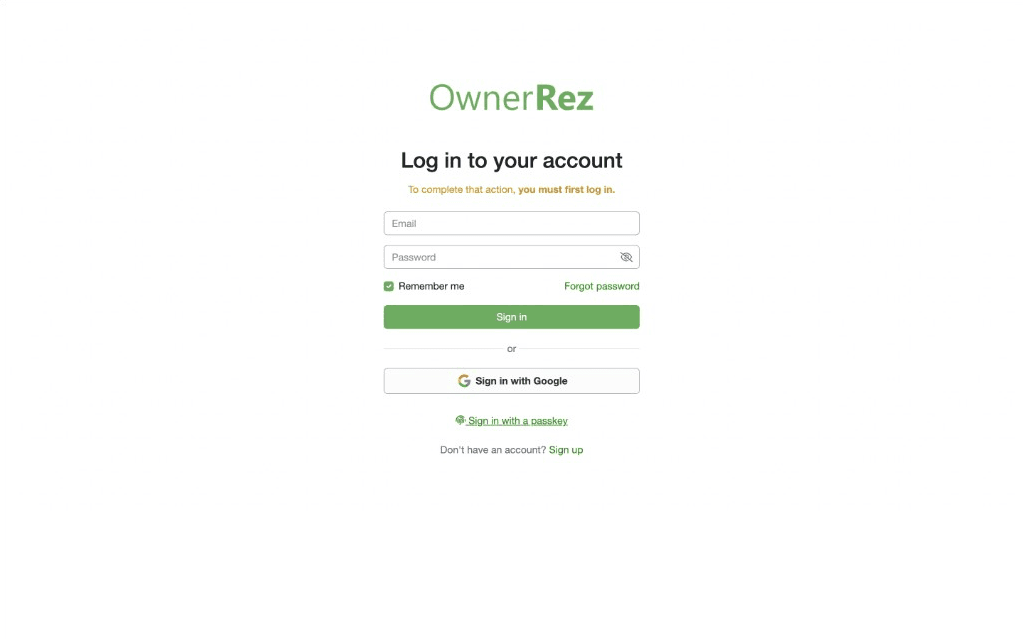
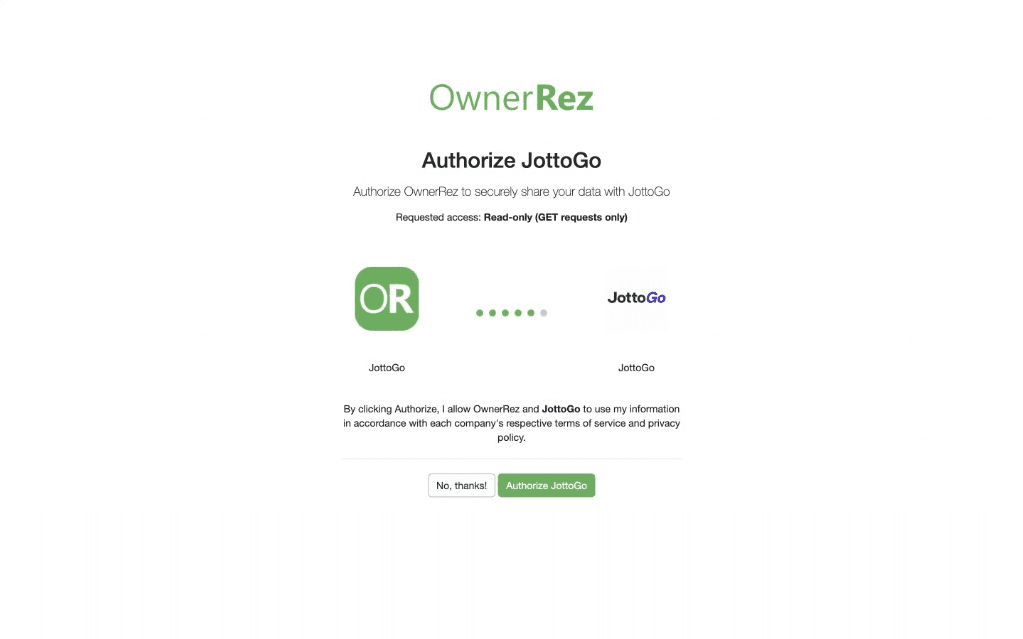
Review the permissions (read-only access), then click Authorize JottoGo. OwnerRez redirects you back to JottoGo. Choose the listings to import and tap Import on your first property.
The moment you import a property, Automatic Setup starts preparing it in the background (greeting, sign-off, delivery schedule, and safe Crew To Do defaults), built from the property and booking facts available. There is no questionnaire to finish. Review and adjust everything from the property card and the Guest Jotto builder, and add the details only you know, like Wi-Fi, whenever it suits.
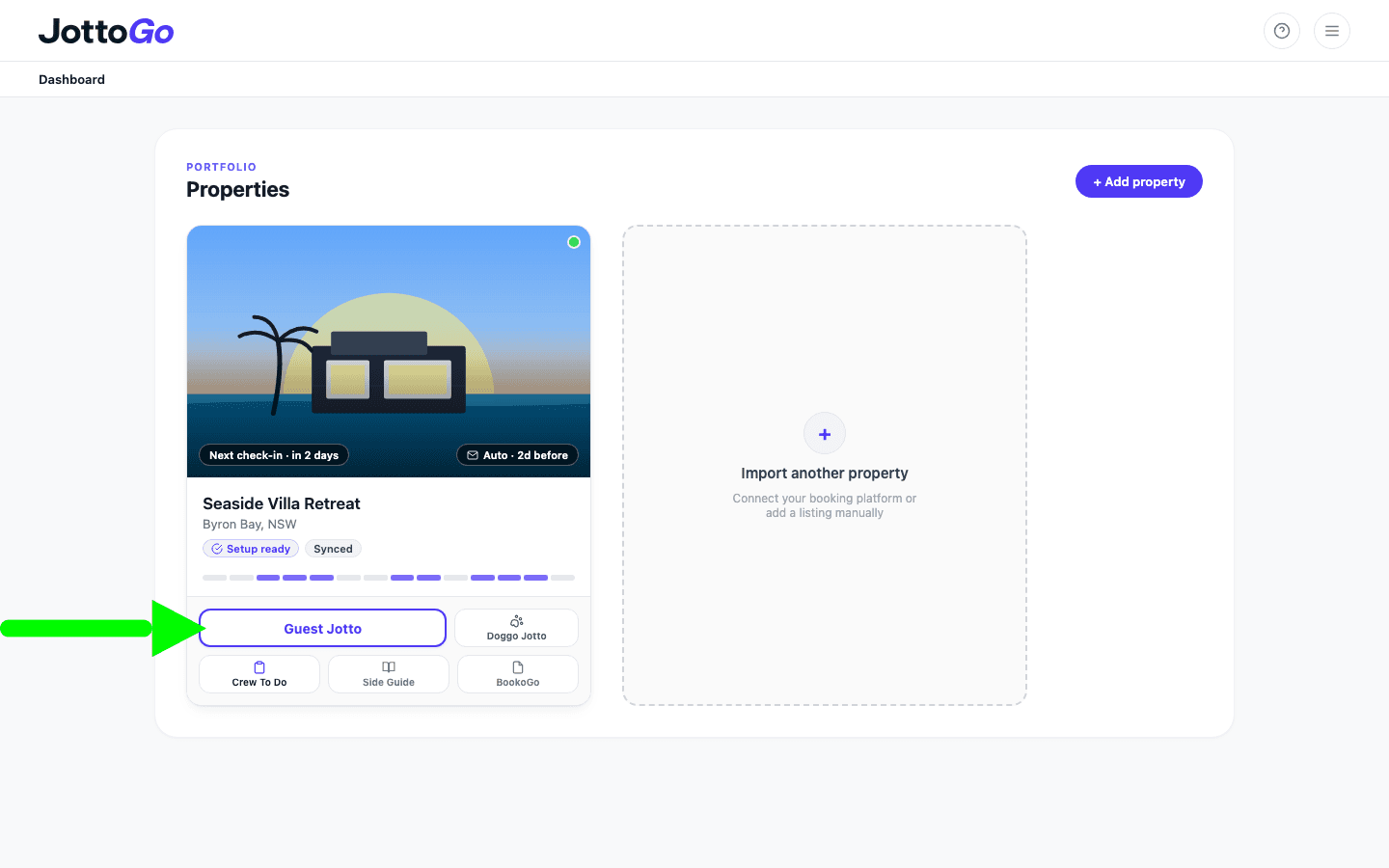
Automatic Setup gives you a starting point from what OwnerRez already knows about your listing, and emails you preview Guest Jottos as upcoming bookings sync. Automatic Setup can only set up so much, so open Guest Jotto on each property to make it yours: check the greeting and sign-off, upload your logo, and add the details only you know (such as Wi-Fi, guidebook or extras QR links, breakfast, and celebration touches). When you are ready to adjust delivery timing, invite crew, or add an email-to-print address, head to Operations (Automations, Crew, and Printers).
Automatic Setup gets you live immediately. Refine anything later in the Guest Jotto builder.
Create a welcome that feels unmistakably yours.
Set the tone for a warm arrival from the very first line.
Answer common questions before guests need to ask.
Help guests discover your guidebook, local recommendations and extras.
Have each Guest Jotto waiting before your guests arrive.
Deliver every Guest Jotto at just the right moment.
Keep everyone preparing your property on the same page.
Help your team deliver thoughtful touches consistently, every stay.
Build goodwill with guests by welcoming every member of the family.
Once your properties are imported, Automatic Setup prepares a starting Guest Jotto from your OwnerRez listing details, while JottoGo listens for real-time OwnerRez webhook events (booking creations, updates, cancellations, and new guest thread messages) backed by a scheduled sync every 15 minutes across the next 30 days of arrivals.
Open Guest Jotto on each property to tailor the details only you know (your logo, greeting and sign-off, Wi-Fi and QR links, and breakfast or celebration touches), and manage your delivery schedule, crew, and printers under Operations (Automations, Crew, and Printers). Before each arrival, JottoGo reads the reservation details and linked guest message threads from OwnerRez to draft a personalized Guest Jotto and Crew To Do, then delivers your Arrivals Pack on the schedule you set.
JottoGo uses booking details and guest messages only to personalize welcome letters. Guest information is retained for the duration of the stay and automatically removed at 11:59 PM on checkout day in the property's timezone, long enough to personalize and deliver. After that we keep only a one-way code made from the guest's phone number or email, so you can be told when they return.
Yes. Automatic Setup gets every property started for you, then you can continue refining your Guest Jotto over time with your own branding, welcome, Wi-Fi details, QR codes and other thoughtful touches.
JottoGo looks for details your guests have already shared (celebrations, traveling companions, dietary preferences, and pets) to create a welcome that feels thoughtful and builds goodwill from the moment they arrive.
Guest Jottos help guests feel expected, welcomed and genuinely looked after. Those thoughtful touches build goodwill at arrival, which can make guests more forgiving of small issues and more likely to remember their stay for the right reasons.
Yes. Any confirmed booking imported through OwnerRez can generate a Guest Jotto. Personalization improves as guests share more information through OwnerRez messages.
Yes. Invite your cleaners or co-hosts to your Crew Portal so they can preview and print Guest Jottos. You can also include Crew To Do, a printable preparation checklist with guest-specific reminders and your own property tasks.
Yes. Add an email-to-print address to your Automation and JottoGo can send each Guest Jotto to your property printer on the schedule you choose.
US$10 per property per month. Unlimited bookings. First 3 bookings on each property included. The included bookings apply on every plan, with no credit card to start, and previewing a pack does not use them. For seasonal and quiet properties, pay per booking instead: US$3 per booking, capped at US$15 per property each month, so quiet months cost nothing. Annual saves 25% on monthly. Business prices, plus applicable tax. Every feature is included from the first booking.
JottoGo imports each OwnerRez property separately, including combined and lock-off listings. You can customize each Guest Jotto so it matches the personality and practical details of that property.
Yes. Pause or edit any Automation schedule from your dashboard without disconnecting your booking platform.
No. When you authorize JottoGo in OwnerRez, the connection requests read-only access (GET requests only). JottoGo reads your properties, reservations, and guest message threads and never writes data back to OwnerRez.